The lash app made by
lash artists.
A lash mapping app, not a workaround.
Lash Create started with a simple frustration. Artists were mapping sets in note apps and drawing tools that were never built for lashes, buying brush packs and fighting templates just to plan a look. We wanted a single app made for the job.
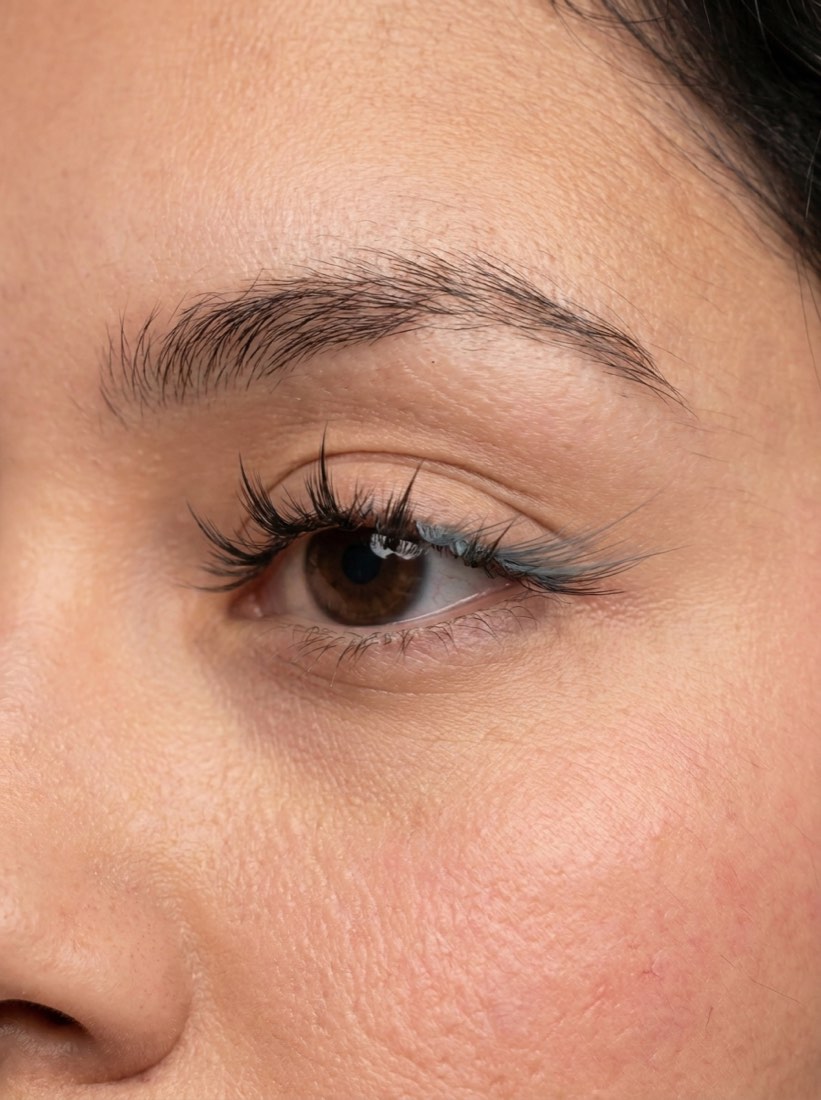
So as working lash technicians, we built one ourselves. Every style is hand drawn to sit like a real extension, the curls and lengths match what you actually order, and the whole thing runs on a real photo of the client in front of you. It is part eyelash try on app and part professional lash mapping tool.
The lash design app
for iPhone.
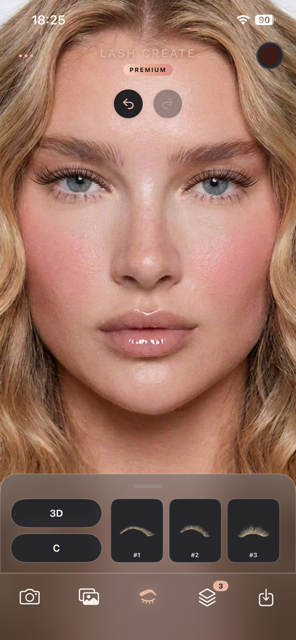
Snap a photo, your face is detected automatically, and you start designing on the spot. Layer styles and curls, recolor any layer with the full color wheel, then save the look to a private album or share it in a tap. Everything you need for a consultation, in the palm of your hand.
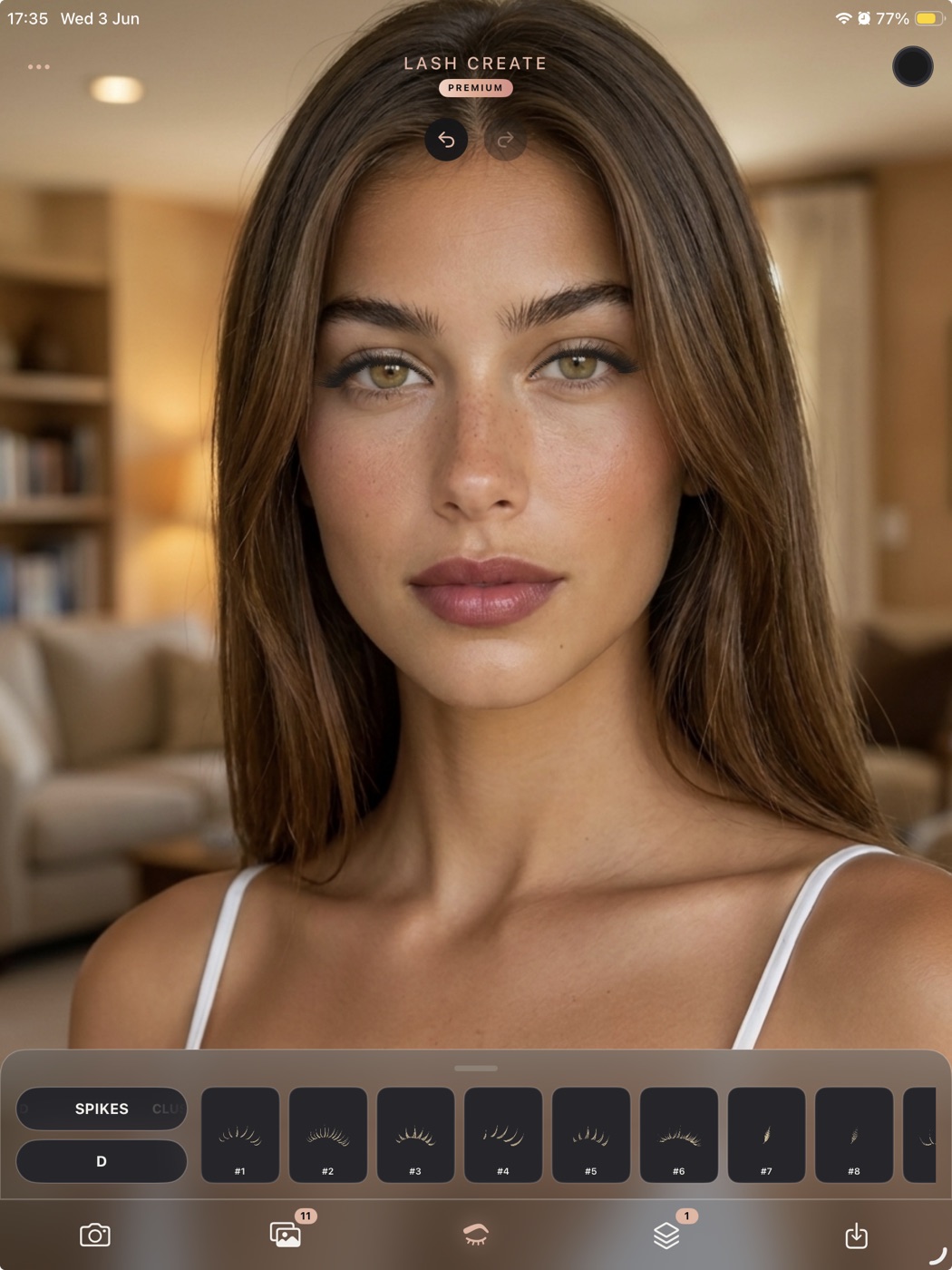
More room to map, with Apple Pencil.
Lash Create runs on iPad too, and the bigger canvas changes how a consultation feels. You see the full set at a comfortable size, place each lash with room to breathe, and step back to read the whole map at a glance.
- Map with an Apple Pencil for precise placement, drag and rotate on each eye
- Finger touch works the same, so you can switch between the two whenever it suits you
- See more of the map at once on the larger screen, with every style and curl a tap away
Built for clients and lash technicians.
Lash Create brings the creative half of the job into a single place, so the consultation, the design and the map all live together rather than scattered across screenshots and notes.
Built for real lash work
Lash Create is a lash mapping app first. You design on a photo of the actual client, place lashes by eye shape, and layer styles to build hybrid sets. See the full picture in our lash mapping guide.
An eyelash try on for clients
As an eyelash try on app it helps a client work out what suits them. Try looks on your own eyes, compare them side by side, and walk in sure of the set. Learn more on the eyelash try on page.
Made for iPhone and iPad
Design on the phone in your pocket or map on the larger iPad canvas with an Apple Pencil, whichever fits the moment. Browse the lash styles you can design.
Lash Create, answered.
What is Lash Create?
Lash Create is a lash mapping and eyelash try on app for iPhone and iPad. Clients and lash technicians use it to design a full set on a real photo, preview styles, curls and color, and map the look before the appointment.
Who made Lash Create?
It was built by working lash technicians who wanted a dedicated design tool rather than a workaround. Every style is drawn by hand to look like a real extension, and the mapping follows how artists actually plan a set.
Does Lash Create work on iPad?
Yes. It runs on both iPhone and iPad. On iPad the larger canvas makes mapping and placement easier, with finger touch or Apple Pencil.
Can I use an Apple Pencil to map lashes?
Yes. On iPad you can place, drag and rotate lashes with an Apple Pencil for precise control when mapping a set onto a client photo. Finger touch works just as well.