The lash app made by
lash artists.
 Scan to install on your iPhone or iPad
The lash tech app for the whole chair.
Lash Create started with a simple frustration. Whether you call yourself a lash artist, a lash tech or an eyelash technician, you were mapping sets in note apps and drawing tools that were never built for lashes, then juggling a separate calendar, a phone full of client photos and a notebook of who was due a fill. We wanted a single lash tech app made for the job.
So as working lash technicians, we built one ourselves. It began as a lash design and mapping app on a real photo of the client, then grew into the whole chair. The design becomes the appointment, the appointment becomes the client record, and the record drives the rebook, so design, booking, client history and payments live as one loop instead of scattered across apps that don't talk to each other.
Built by a lash tech and a salon owner.
Lash Create is made by two people who have run the chair and the front desk. Every feature comes from real days in a lash business, never a spec sheet.
Vy
The brains & the build
A hands on lash technician who also builds the app. Vy is the brains behind Lash Create and the developer who ships it, so every mapping, design and client tool works the way lash artists really do, not the way software usually assumes.
Stewart
Marketing & advisory
Previously built and ran an award winning hair salon chain in London. Stewart handles marketing and advisory, keeping the app shaped by what it actually takes to run a busy beauty business, from bookings and deposits to keeping clients coming back.
Everything a lash business needs, in one place.
What began as a design tool now runs the day around the chair. Every part of it is made for lashes, and because they all share one client, nothing has to be copied between apps.
Lash design and mapping
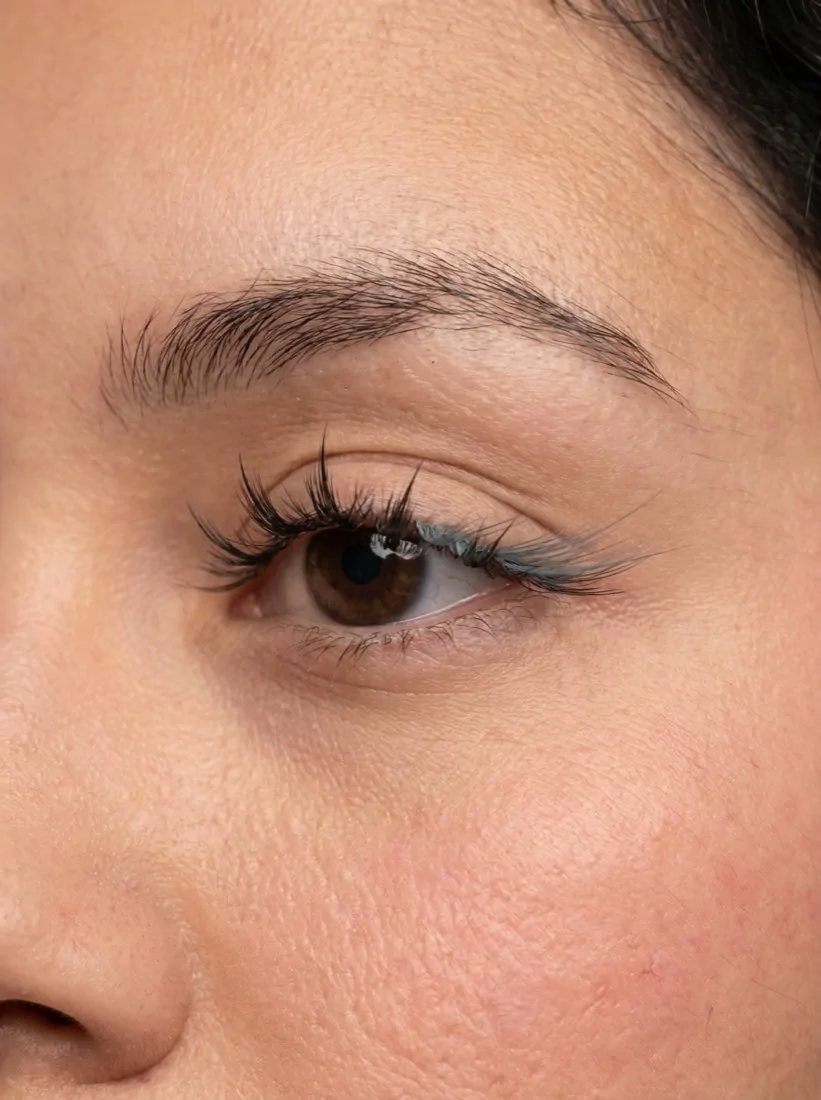
Map and try a full set on a real photo, layer styles and curls, and agree the look before you lash.
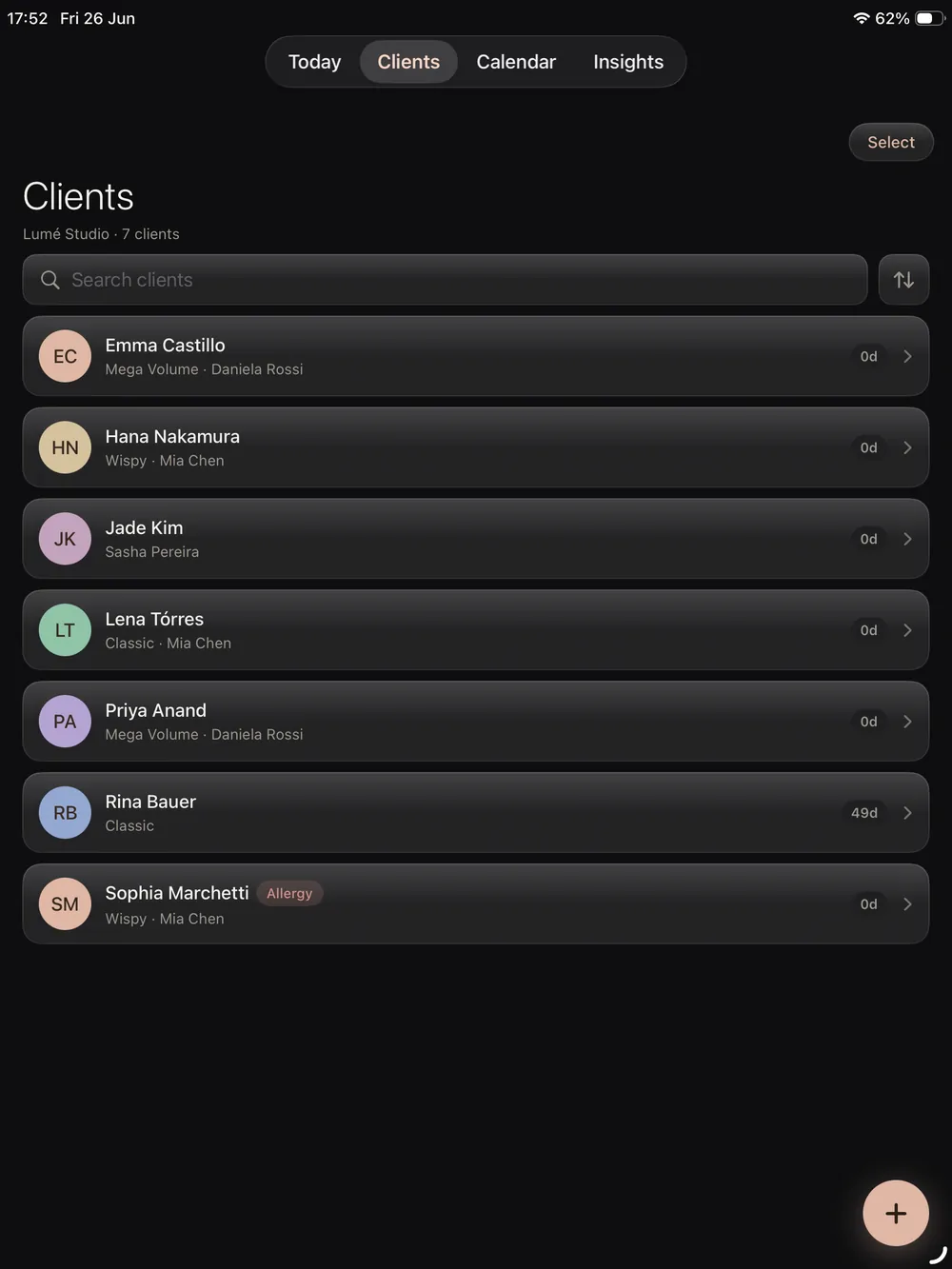
Lash CRM
A record for every client with their photos, past designs, lash health, spend and rebook date, a tap away.
Booking and calendar
A lash calendar with per style pricing and smart fill reminders, so your week and your rebooks stay full.
Online booking page
Take bookings on your own public page day and night, with deposits and confirmations handled for you.
Payments and insights
Log payments against every visit and see income, retention and your busiest styles at a glance.
Salons and teams
Add artists, set what each can see, and read clean per artist insights for the whole salon.
See how the pieces fit together on the lash software overview, or jump straight to pricing.
Switching from another app? Bring your clients with you.
Moving from another booking or salon app shouldn't mean starting from scratch. With Quick Import you bring your existing client list into Lash Create in a few clicks, names, contact details and history in place, so you're up and running from day one.
- Import your full client list in just a few clicks
- Keep names, contact details and visit history intact
- Start taking bookings the same day, no rebuild
The lash design app
for iPhone.
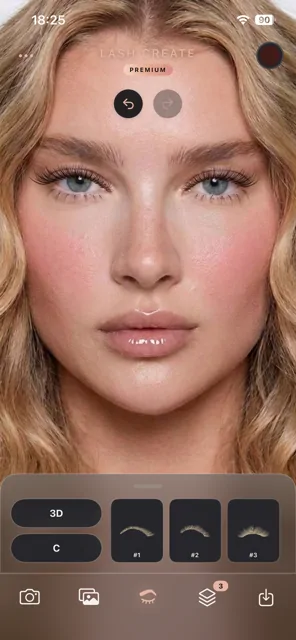
Snap a photo, the face is detected automatically, and you're designing on the spot. Layer styles and curls, recolor any layer with the full color wheel, then save the look to a private album or share it in a tap. Everything you need for a consultation, in the palm of your hand.
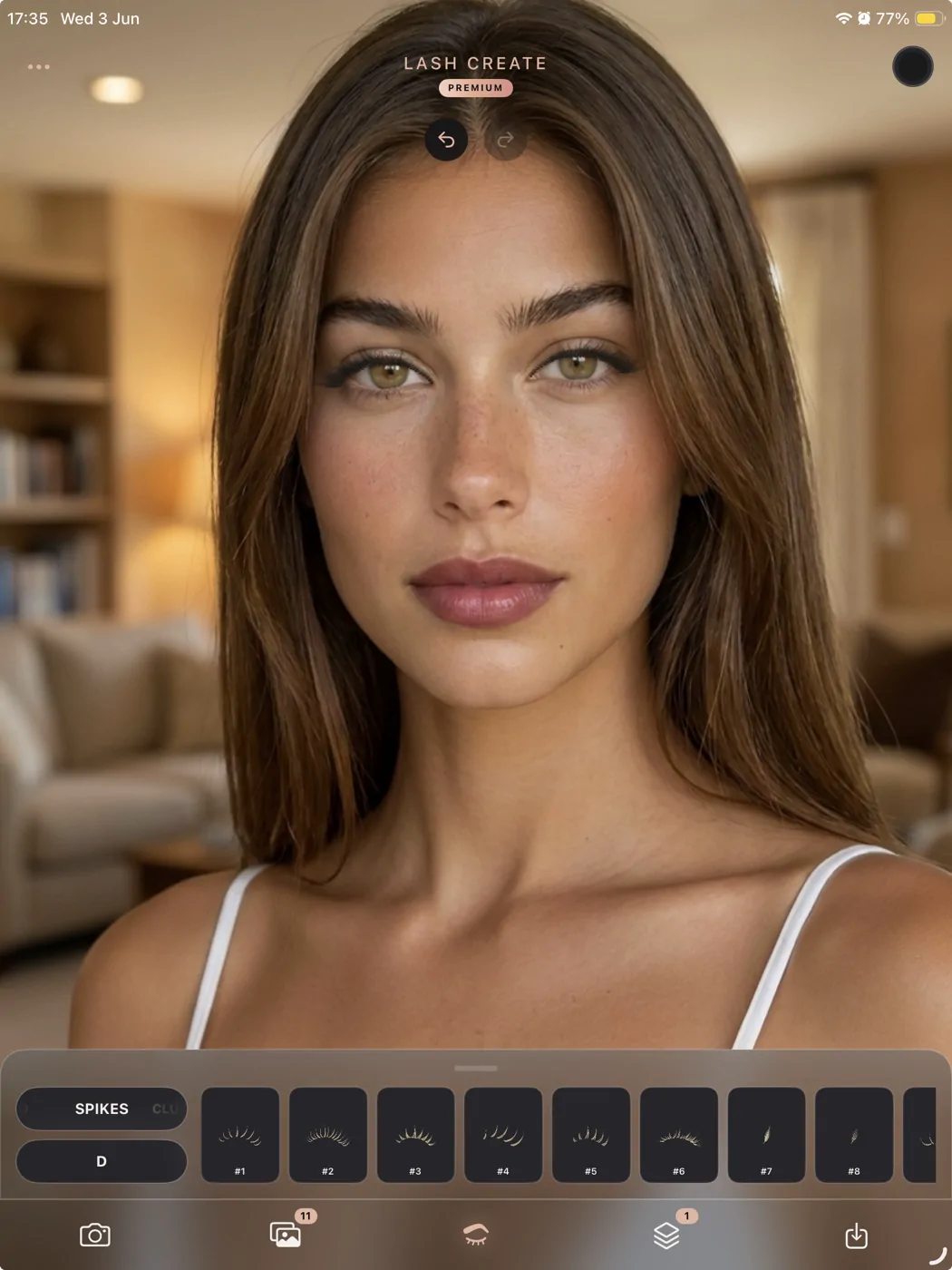
More room to map, with Apple Pencil.
Lash Create runs on iPad too, and the bigger canvas changes how a consultation feels. You see the full set at a comfortable size, place each lash with room to breathe, and step back to read the whole map at a glance.
- Map with an Apple Pencil for precise placement, drag and rotate on each eye
- Finger touch works the same, so you can switch between the two whenever it suits you
- See more of the map at once on the larger screen, with every style and curl a tap away
One lash app, built only for lashes.
Lash Create brings the whole job into a single place, so the consultation, the design, the diary and the client record all live together rather than scattered across screenshots, notes and a separate booking app.
A lash design and mapping app
Lash Create is a lash mapping app first. You design on a photo of the actual client, place lashes by eye shape, and layer styles to build hybrid sets, on iPhone or iPad. See the full picture in our lash mapping guide.
A lash CRM and booking app
It's also a lash CRM and booking app. Keep a record for every client in the lash CRM, run your week from the lash calendar, and let clients book themselves through online booking on your own page.
Payments, insights and a directory
Track income and retention with payments and insights, run a team with salon tools, and get found by new clients in the free lash artist directory. See it all on the lash software overview.
Lash Create, answered.
What is Lash Create?
Lash Create is the all in one app for lash technicians and salons. You design and map a set on a real photo, save it to a client record, take online bookings on your own page, track payments and get found in the lash directory, every part of it made only for lashes.
Is Lash Create just a mapping app?
No. It started as a lash mapping and try on app, but it now runs the whole chair. The design becomes the appointment, the appointment becomes the client record, and the record drives the rebook, so design, booking, CRM and payments live as one loop.
Does it work as a booking app and CRM?
Both, yes. There's a full calendar with per style pricing, a public online booking page on your own link, and a client record for every client with their photos, past designs, lash health, spend and rebook date.
How is it different from Fresha, Booksy or Vagaro?
Those are broad beauty platforms. Lash Create is built only for lashes, so it speaks styles, curls, mapping and fill cycles, and it fuses the lash design with the booking and the client record, which is the part broad software doesn't have.
Who made Lash Create?
Working lash technicians, who wanted one tool for the trade instead of a stack of apps that never talk to each other. Every style is drawn by hand to look like a real extension, and the booking and client tools follow how artists actually run their day.
Does Lash Create work on iPad and iPhone?
It's native on both. Map on the larger iPad canvas with an Apple Pencil, or run the whole thing from your iPhone, and the design and the client record stay in sync on the same account.
How do I contact Lash Create?
Email us any time at support@lashcreate.app and the team will get back to you. Whether it's a question about the app, your account or getting set up, we're happy to help.