

Talk to clients,
keep your number private.
 Scan to install on your iPhone or iPad
Every question, in one place.
Lash clients ask a lot before they sit down. What's the aftercare, can they come earlier, is there parking. Right now that lives in your personal messages, spread across Instagram, WhatsApp and text, and easy to miss. Lash Create pulls it into one chat that sits next to the booking and the client, so nothing slips.
And it keeps your own number private. Clients reach you through the app and your booking site, not your personal phone, so your evenings stay yours.
Answer the question before it becomes a no.
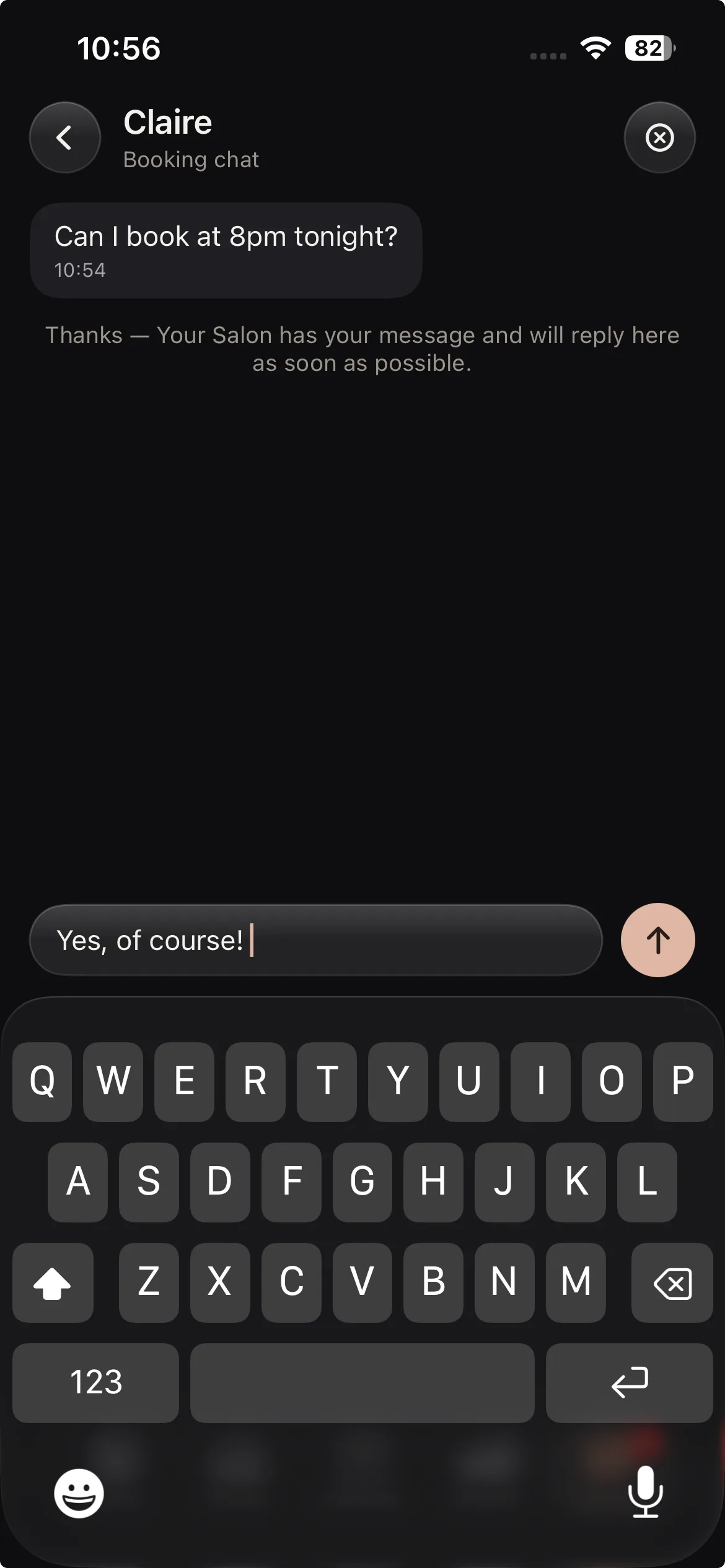
A chat widget sits right on your booking site, so a new visitor can ask before they commit and a booked client can message about their appointment. The quick answer that turns a maybe into a booking happens on the page, not in a DM you find three days later.
- A chat widget on your site, ready before they book
- New visitors get a fast answer, not a wait
- Every reply comes back through the app
More bookings. Better retention. Less admin.
The same app books the client, saves the design, takes the payment and follows up, so nothing slips and your calendar stays full.
Client records (CRM)
Every client with photos, past designs, health notes and rebook date.
Booking & calendar
A calendar made for lashes, with pricing per style and reminders on the fill cycle.
Online booking page
Your own booking link, deposits and confirmations handled.
Salon website builder
Pick a designer template, live on your own link with booking built in.
Payments & insights
See what every visit earned and what your busiest styles are.
Reviews & aftercare
Aftercare emailed after every set, reviews you own on your own site.
Every setup in the app, walked through on video, on your own schedule.
Chat with the context built in.
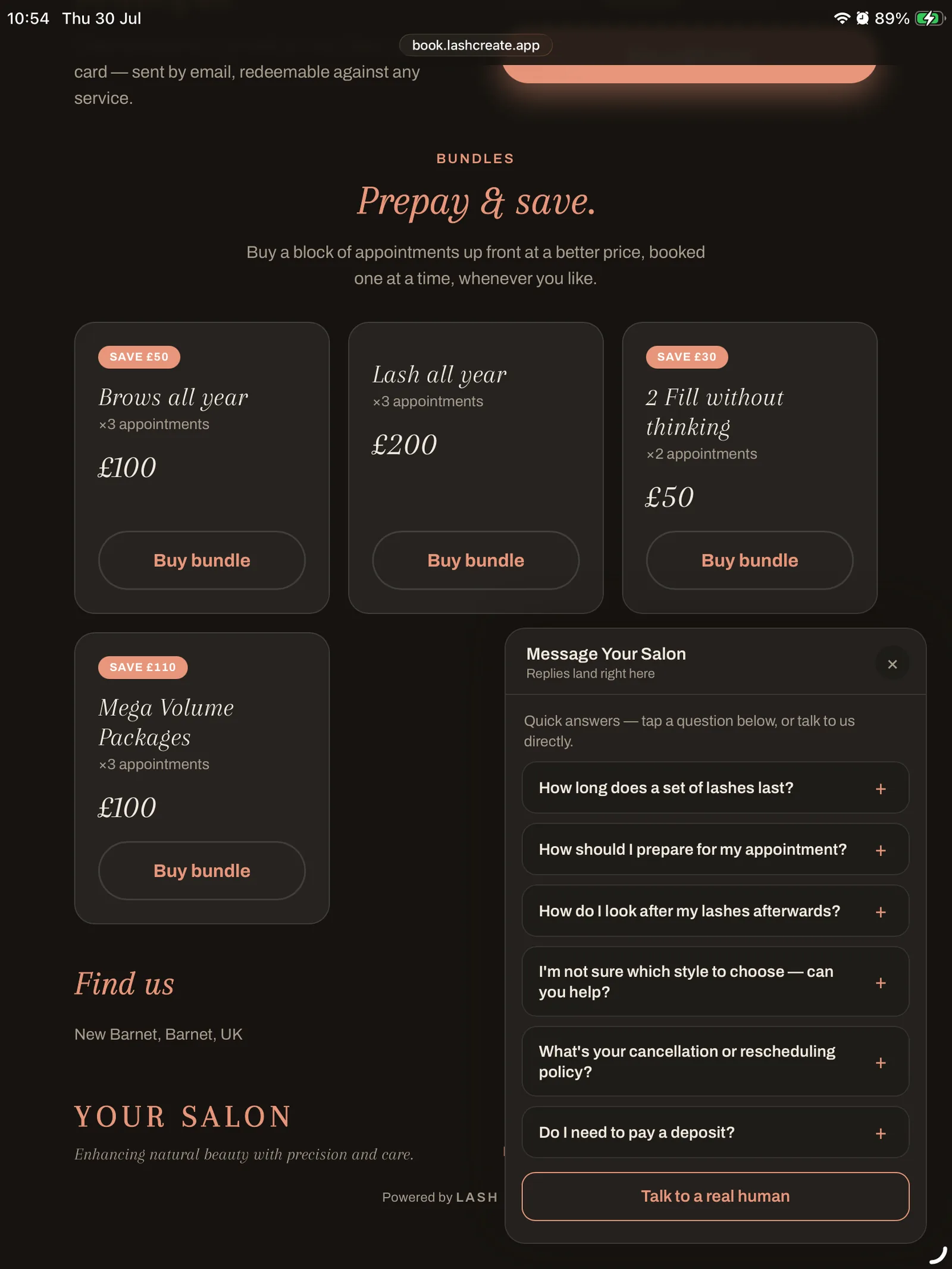
A message with no history is only half a conversation. In Lash Create every chat carries the booking and the client with it.
Sits with the appointment
A booking chat is tied to that appointment, so the conversation and the booking sit together and you always know what it is about.
Kept with the client
Messages live next to the client record, so history, notes and chat are one story, not three apps.
Your number stays yours
Clients reach you through the app, never your personal phone, so you can switch off when the day's done.
No extra tool to pay for
Chat is part of Lash Create, so there's no separate messaging service and no second number on your bill.
Keep the salon talking in one thread.
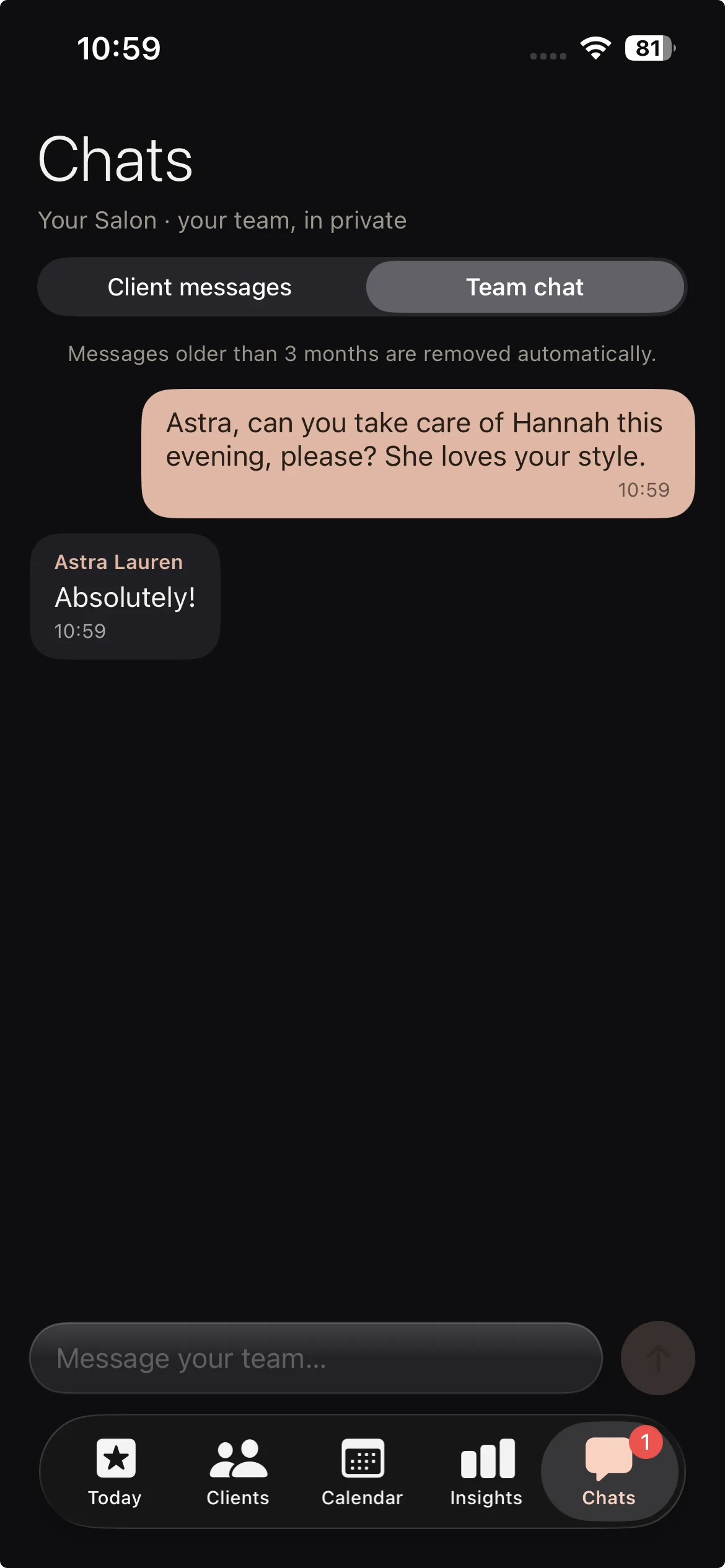
If you run a team, the day falls apart when the coordination lives in personal group chats. Team chat keeps staff messages in the same app you run the diary from, so a note about a client, a cover for a shift or a heads up about a late arrival lands where the work already is.
- Staff messages in the same app as the diary
- Notes about a client stay next to the work
- Nothing lost in a personal group chat
Why client chat belongs in the same app as the booking
When a client messages you on Instagram to ask about their appointment, you have to find the booking, remember the context and switch apps to reply, and the conversation is gone the moment the app clears its inbox. Chat that lives with the booking removes all of that. Open the appointment and the whole thread is already there, so you answer in seconds with everything in front of you. The client feels looked after, and you never lose track of who asked what.
Protect your evenings without going quiet
Being reachable shouldn't mean handing out your personal number to every new client. With chat in the app you stay responsive during the day and off the clock at night, because the messages sit in Lash Create and not on your own phone. It's the difference between a business line and giving away your Saturday. Paired with your online booking, most questions answer themselves, and the ones that don't reach you cleanly.
In app chat vs texting on your personal phone
| What it does | Personal DMs & texts | Separate chat tool | Lash Create |
|---|---|---|---|
| Keeps your number private | No | Sometimes | Yes |
| Tied to the booking | No | No | Yes |
| Sits with the client record | No | No | Yes |
| On your booking site | No | Extra setup | Built in |
| Team messaging | Personal group chat | Another app | In the same app |
| Extra cost | Your evenings | Monthly fee | Part of the app |
| Chat from visitors before they book | Instagram DM | Varies | Widget on your site |
| Reply with full booking context | You dig for it | No | Booking & client visible |
Chat with your lash clients today
Included in Business · $19.99 a month or $129.99 a year · 14 day free trial
Start 14 day trialMessage clients and your team in one app.
A client messaging system made for lash techs, wired to the booking and the client record behind it.
Client chat without your personal number
Client chat keeps your own phone private. Clients reach you through the app and your booking site, so you stay reachable by day and off the clock at night.
A salon chat widget that converts
A salon chat widget on your booking site answers the question that turns a maybe into a booking, before the visitor clicks away.
In app messaging tied to the booking
In app messaging carries the booking with it. You reply with the full context in front of you, never a bare message with no history.
Lash client communication in one thread
Lash client communication stops living across Instagram, WhatsApp and text. Every conversation sits next to the client record, all in one place.
Team chat for salons
Team chat keeps staff messages in the same app you run the diary from, so notes and cover requests do not get lost in personal group chats.
One loop with the booking
A booking chat rides the same loop as your appointments and records, so the message, the booking and the client are one story, not three apps.
Frequently asked questions
Do I have to give clients my personal number?
No. Clients message you through the chat in the app and on your booking site, so you can answer questions and stay in touch without handing out your own number.
Where does a client start a chat?
From your booking site. A chat widget sits on the page, so a new visitor can ask a question before booking and a client who's already booked can message you about their appointment.
Is the chat tied to a booking?
It is. A booking chat belongs to that appointment, so the conversation and the booking sit together and you always have the context in front of you.
Can I message my team?
Yes. Team chat keeps staff messages in the same app you run the diary from, so a note about a client or a shift doesn't get lost in personal texts.
Do I get notified when a client messages?
New messages come through in the app, so you can reply between clients. The conversation stays with the client record and the booking it belongs to.
Does chat cost extra?
No extra bill. Chat is included in Business at $19.99 a month or $129.99 a year, with a 14 day free trial, so there's no separate messaging tool or second number to pay for.