
Switch in minutes.
Bring your clients with you.
 Scan to install on your iPhone or iPad
Moving apps? Bring your client list with you.
Switching apps shouldn't mean starting your book from scratch. Quick Import reads a CSV from your old app and lifts the list straight into Lash Create, so the clients you already have are waiting for you on day one instead of sitting in a spreadsheet you keep meaning to type up.
Export from Fresha, Booksy, GlossGenius, Vagaro, Mindbody or any other salon app and upload the file. Lash Create shows you the first row of your CSV and you tap each column to say what it is: Name, Phone, Email. Columns you don't need stay unmapped. Confirm, and the clients land in your client records ready to book, design and rebook.
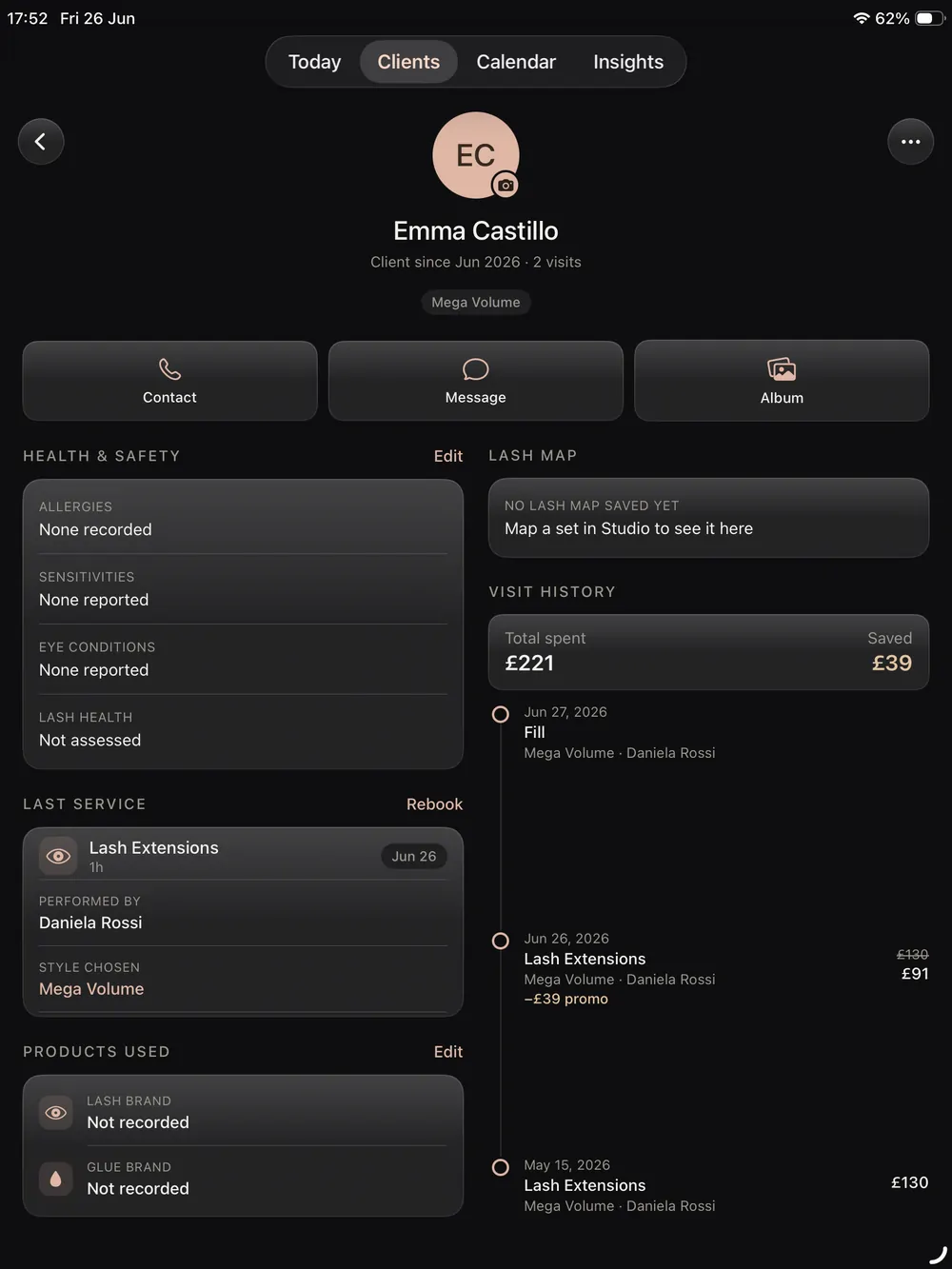
Coming from another app? We import from all of them.
If your current software can export a client list as a CSV, and almost all of them can, Lash Create reads it. That covers every major salon and booking platform, plus a plain spreadsheet.
How the import works.
No data entry, no retyping every client. If you can export a CSV, you can switch.
Export a CSV
Download your client or contact list as a CSV file from your current app, a spreadsheet, or your phone contacts. Almost every booking app can do this.
Map the columns
Tap Import clients, choose your file, and point each column at a field: Name, Phone, Email. Leave the rest unmapped, then confirm.
Start booking
Your clients appear in your list with their details in place, ready for designs, bookings, consent forms and rebook reminders.
Your client list, carried across.
The import brings over the details that matter, so you pick up where you left off rather than rebuilding a book you already have.
- Client names, phone numbers and email addresses
- Any notes you keep in your CSV, straight onto the record
- Then add designs, photos, consent forms and the fill cycle in app
- Import alongside your current app during the free trial, no rush
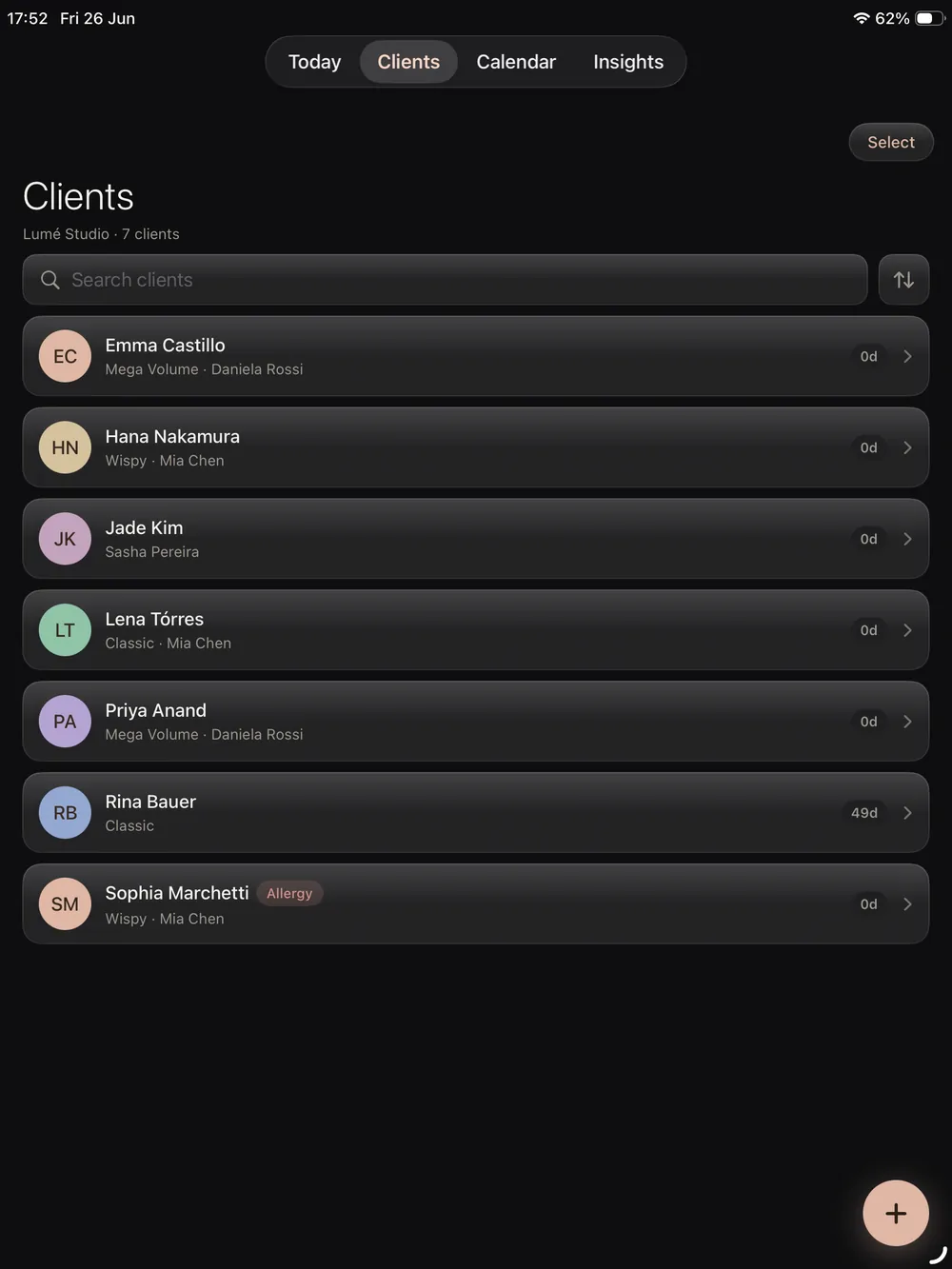
Everything you need to move over.
The common questions lash techs have before they switch apps.
Import clients from a CSV file
A CSV is a plain client list you can export from almost any app. You tell Lash Create which column is the name, which is the phone number and which is the email, and it creates a record for every row. No retyping, no manual entry.
Coming from any salon app
Export your client list from Fresha, Booksy, GlossGenius, Vagaro, Mindbody, Square, Acuity or any other salon software as a CSV, then import it here. Three columns and a confirm tap is the whole job, so moving to the app made for lashes takes a coffee break, not an evening.
Switch at your own pace
Lash Create is free to start, so you can import your clients and set up your online booking alongside your current tool during the 14 day trial, then move over fully when you are ready.
A record built for lashes
Once your clients are in, each one gets a lash aware record that holds designs, photos, curls, patch tests and the fill cycle, all in one place a generic booking app cannot match. See the pricing to plan your move.
Frequently asked questions
How do I import my clients into Lash Create?
Export your client list as a CSV from your current app or a spreadsheet, open Lash Create, choose Import clients and pick the file. You map three columns, Name, Phone and Email, tap confirm, and the list is in.
Can I import clients from Fresha, Booksy, GlossGenius or Vagaro?
Any app that exports a client or contact list as a CSV will work, and that includes Fresha, Booksy, GlossGenius, Vagaro, Mindbody, Square, Acuity, Boulevard and Phorest. A spreadsheet or your phone contacts works just as well.
What client details get imported?
Name, phone and email are the three columns you map, plus any notes column you point at the notes field. Designs, photos, consent forms and the fill cycle you add inside the app, on the record itself.
Do I have to switch everything at once?
No, and most techs don't. Importing is free, so bring the list over and run the two side by side for a while.